



In the ever-evolving world of gaming technology, the quest for high-performance yet affordable monitors remains a priority for enthusiasts and casual players alike. The year 2025 offers a fresh lineup of 144Hz monitors that promise to enhance the gaming experience without straining budgets. From Acer’s Nitro XV272U with its crisp WQHD resolution to the immersive curvature of Foxin’s Phantom model, each monitor offers unique features tailored to different gaming needs and preferences. To grasp the full potential of these technological advancements, one must consider the specific attributes that align best with their gaming setup and performance requirements.
- Acer Nitro XV272U V3 27 Inch WQHD Gaming Monitor
- AOC 24G4E 24 inch FHD Fast IPS Gaming Monitor
- LG Ultragear 24 Inch Full HD Gaming Monitor (24GS65F)
- ViewSonic VX2479-HD-PRO 24-inch Gaming Monitor
- Foxin Phantom 27 inch Curved Gaming Monitor
- Factors to Consider When Choosing Budget-Friendly 144Hz Monitors for Gaming
- Monitor Refresh Rates
- Response Time Importance
- Panel Type Differences
- Screen Size Options
- Connectivity Features
- Ergonomic Adjustments
- Conclusion
Acer Nitro XV272U V3 27 Inch WQHD Gaming Monitor
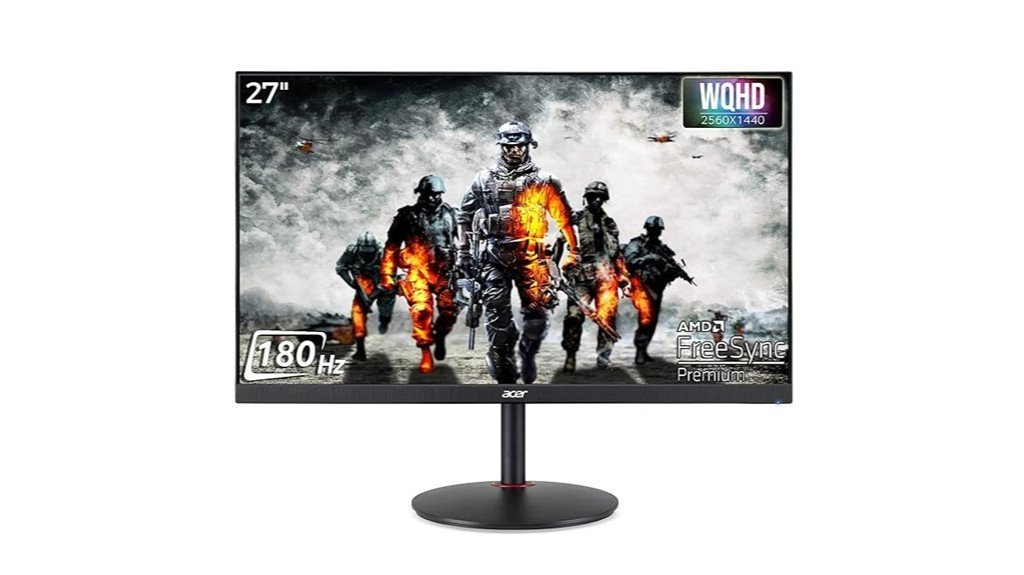
The Acer Nitro XV272U V3 27 Inch WQHD Gaming Monitor stands out in the realm of budget-friendly gaming monitors, particularly due to its impressive 180Hz refresh rate and 0.5ms response time. Featuring a 27-inch WQHD display, it offers excellent visual clarity and vibrant colors with a DCI-P3 95% color gamut and Delta E<1 accuracy. The monitor includes AMD FreeSync and Black Boost technology, enhancing the gaming experience by reducing ghosting and smearing effects. Additionally, its ergonomic design supports multiple adjustments, and connectivity options include HDMI and DisplayPort. This makes it a top choice for gamers seeking high performance at a reasonable price.
Best For: Gamers and creative professionals looking for a high-performance monitor with excellent color accuracy and ergonomic features.
Pros:
- High 180Hz refresh rate and ultra-fast 0.5ms response time ideal for competitive gaming.
- Comprehensive color coverage with DCI-P3 95% and precise Delta E<1 color accuracy.
- Versatile connectivity options including dual HDMI and DisplayPort inputs.
Cons:
- Limited HDR capabilities with only VESA Display HDR 400 support.
- Stand may require considerable desk space due to its ergonomic adjustments.
- Some users may find the built-in speakers lacking in audio quality for immersive gaming experiences.
AOC 24G4E 24 inch FHD Fast IPS Gaming Monitor
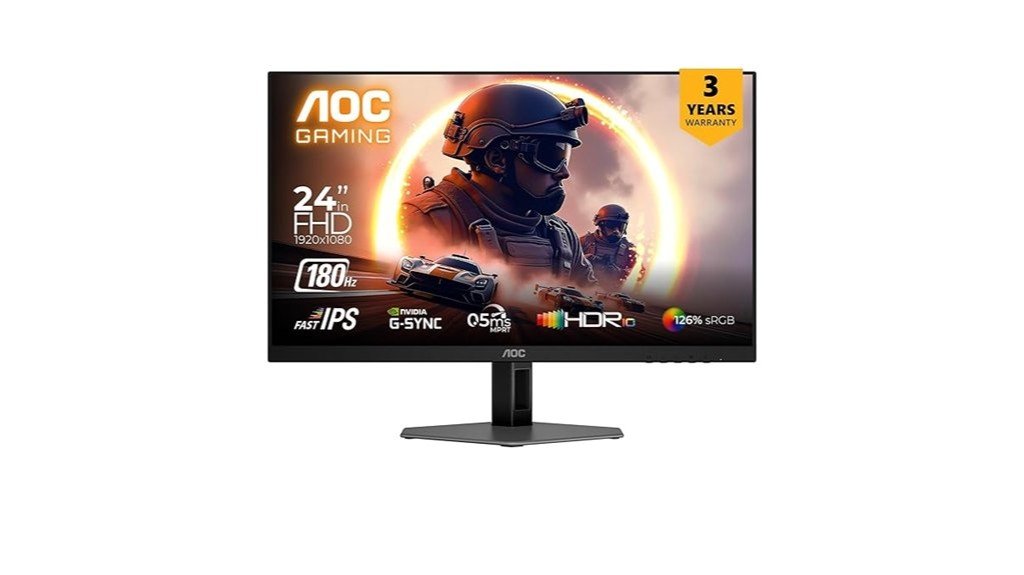
For gamers seeking a high-performance display without breaking the bank, the AOC 24G4E 24 inch FHD Fast IPS Gaming Monitor emerges as a top contender. Sporting a 1920 x 1080 resolution and a blazing 180Hz refresh rate, this monitor ensures smooth and responsive gameplay. Its 0.5ms response time and HDR10 support enhance visual clarity and contrast. The monitor covers 126% sRGB color spectrum, offering vibrant colors, while built-in adaptive sync technology prevents screen tearing. Additionally, its ultra-wide 178° viewing angle provides consistent image quality from various perspectives, making it a solid choice for budget-conscious gamers.
Best For: Competitive gamers who need high refresh rates and responsive gameplay without splurging too much.
Pros:
- High 180Hz refresh rate and 0.5ms response time for ultra-smooth gaming performance.
- Supports HDR10, enhancing visual quality with better contrast and color depth.
- Includes adaptive sync technology to minimize screen tearing and stuttering.
Cons:
- Limited to 1080p resolution, which might not satisfy users looking for higher resolutions.
- No USB ports, which restricts additional connectivity options.
- The stand may lack advanced ergonomic features like height or swivel adjustments.
LG Ultragear 24 Inch Full HD Gaming Monitor (24GS65F)

Budget-conscious gamers seeking fluid gameplay without breaking the bank may find the LG Ultragear 24 Inch Full HD Gaming Monitor (24GS65F) an excellent choice. This monitor features a 24-inch IPS display with a 1920 x 1080 resolution, supporting HDR 10 and covering 99% of the sRGB spectrum. It boasts a high 180Hz refresh rate and a 1ms response time, ideal for reducing motion blur and enhancing frame transitions. Compatibility with NVIDIA G-SYNC and AMD FreeSync prevents screen tearing. The design includes a slim, borderless bezel and an adjustable stand, enhancing both aesthetics and ergonomics. Connectivity options include HDMI and DisplayPort.
Best For: Competitive and casual gamers who prioritize smooth gameplay and high display performance within a budget-friendly price range.
Pros:
- High 180Hz refresh rate and 1ms response time ensure fluid motion and minimal motion blur.
- Supports both NVIDIA G-SYNC and AMD FreeSync for reducing screen tearing and enhancing overall gameplay.
- Adjustable stand and slim, borderless design contribute to a comfortable and aesthetically pleasing gaming setup.
Cons:
- Limited to 1080p resolution, which might not satisfy users looking for ultra-high definition or larger screen experiences.
- Lacks built-in speakers, requiring external audio solutions for sound.
- Restricted color gamut coverage might not be sufficient for tasks requiring precise color accuracy beyond gaming.
ViewSonic VX2479-HD-PRO 24-inch Gaming Monitor
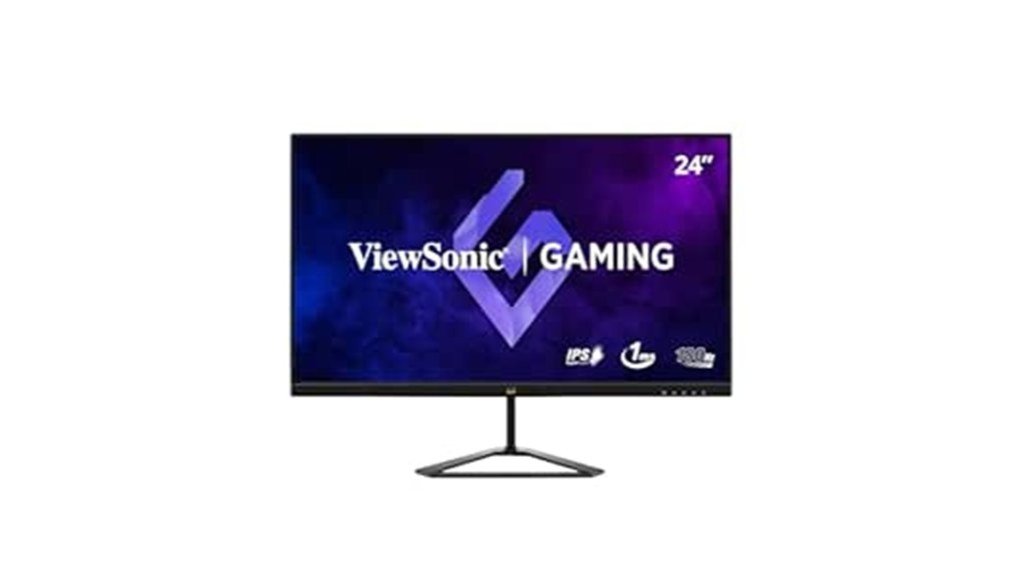
Gamers seeking high-performance monitors without breaking the bank will find the ViewSonic VX2479-HD-PRO an excellent choice. Featuring a 24-inch SuperClear IPS display, this monitor delivers Full HD resolution at a remarkable 180 Hz refresh rate, ensuring ultra-smooth visuals. The 1 ms response time minimizes lag, crucial for competitive gaming. With 104% sRGB color accuracy and HDR10 compatibility, it offers vibrant visuals from any angle. Connectivity is robust with two HDMI ports and one Display Port. Additionally, its 3-year warranty and VESA compatibility make it a reliable and versatile option for any gaming setup.
Best For: Competitive gamers and graphic designers seeking high-performance visuals and color accuracy at an affordable price.
Pros:
- Ultra-smooth 180 Hz refresh rate ideal for fast-paced gaming
- High color accuracy with 104% sRGB and HDR10 support enhances visual experience
- Dual HDMI and a Display Port provide flexible connectivity options
Cons:
- Limited to 1080p resolution which might not satisfy users looking for 4K displays
- Lacks USB ports which could limit connectivity for some users
- Brightness capped at 250 nits, which may be lower than some competitors in well-lit environments
Foxin Phantom 27 inch Curved Gaming Monitor
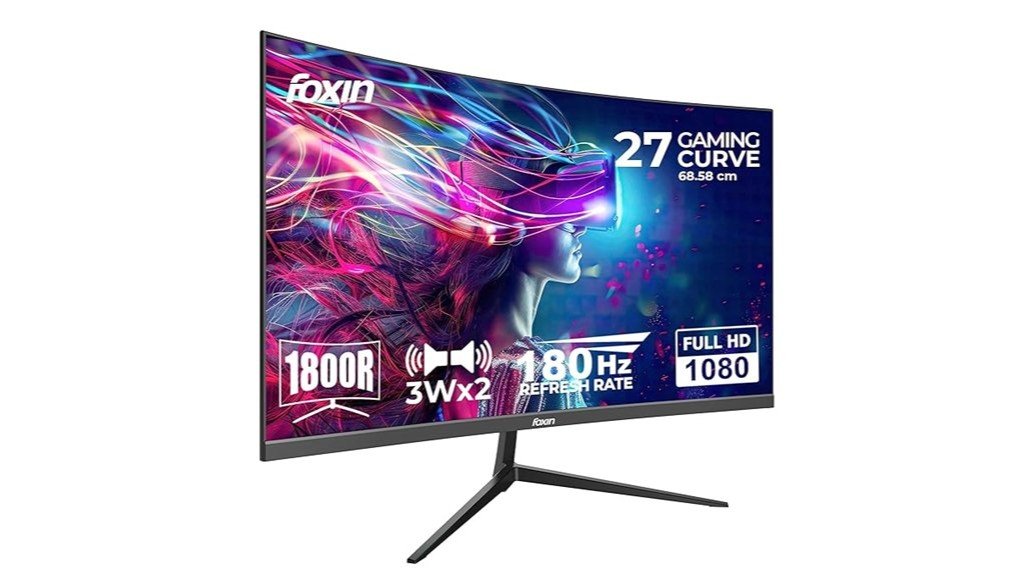
The Foxin Phantom 27 inch Curved Gaming Monitor offers an impressive 180Hz refresh rate and 1ms response time, making it an ideal choice for players seeking smooth, uninterrupted gameplay without breaking the bank. Featuring a Full HD 1800R curved screen, it enhances visual immersion and comfort. The monitor reduces eye strain through its anti-glare panel and Adaptive Sync technology, ensuring seamless visuals. Connectivity is versatile with multiple ports including HDMI and DisplayPort, accommodating both desktops and gaming consoles. Additionally, its frameless, VESA-compatible design and RGB backlighting not only save space but also add to the aesthetic appeal.
Best For: Gamers and multimedia enthusiasts looking for a high-performance monitor with excellent fluidity and visual immersion at an affordable price.
Pros:
- High 180Hz refresh rate and 1ms response time for extremely smooth visuals.
- Full HD 1800R curved screen enhances viewing experience by providing a more immersive feel.
- Versatile connectivity options including HDMI and DisplayPort, suitable for various devices.
Cons:
- Only Full HD resolution, which might not satisfy users looking for 4K or higher resolutions.
- Limited ergonomic adjustability with the stand, potentially requiring an additional mount for optimal setup.
- The built-in speakers may not offer the best sound quality, which could necessitate external speakers for an enhanced audio experience.
Factors to Consider When Choosing Budget-Friendly 144Hz Monitors for Gaming
When selecting a budget-friendly 144Hz monitor for gaming, several key factors need to be considered to ensure optimal performance and compatibility. Important considerations include refresh rates, which influence how smoothly games render; response times, which affect the clarity of fast-moving images; and panel type, which can impact color accuracy and viewing angles. Additionally, screen size and connectivity options are crucial for a tailored gaming setup and future-proofing.
Monitor Refresh Rates
Understanding monitor refresh rates is crucial when selecting a budget-friendly 144Hz monitor for gaming. The refresh rate, measured in hertz (Hz), reflects how often the display updates its image per second. Opting for a 144Hz monitor offers a smoother visual experience, especially important in fast-paced gaming where lower rates may hinder performance due to motion blur and ghosting. However, to maximize the benefits of such high refresh rates, a compatible graphics card is essential; it must generate frame rates that meet or surpass the monitor’s capabilities. This setup reduces lag, enhances gameplay fluidity, and improves overall competitive gaming performance by enabling quicker reactions and more precise aiming, essential advantages in fast-paced gaming situations.
Response Time Importance
While high refresh rates capture most of the limelight, response time stands equally critical in the hierarchy of monitor specifications vital for gaming. It measures how swiftly a pixel can shift from one color to another, with lower values like 0.5ms to 1ms minimizing unwanted motion blur and ghosting during high-speed gameplay. Such quick response times are particularly crucial in competitive gaming environments, where even minimal visual lag can hinder player performance. Optimal response times of 1ms or lower are ideal, improving reaction capabilities in fast-paced scenarios found in first-person shooters or racing games. For budget-conscious gamers, selecting a 144Hz monitor with a low response time enhances visual clarity, maintaining immersion and accuracy essential in competitive settings.
Panel Type Differences
Choosing the right panel type is essential when selecting a budget-friendly 144Hz monitor for gaming. IPS, TN, and VA panels each cater to different gaming needs. IPS panels stand out with their exceptional color accuracy and broad viewing angles, suited for games that require visual precision and an immersive experience. On the other hand, TN panels excel in response times, potentially dropping to as low as 0.5ms, ideal for highly competitive gaming where speed is crucial. Lastly, VA panels offer superior contrast ratios, enhancing the depth and vibrancy of visuals, although they might lag slightly in response time compared to their counterparts. Gamers should weigh these attributes based on their specific gaming preferences.
Screen Size Options
After considering panel types, another important aspect to think about in selecting a budget-friendly 144Hz gaming monitor is the screen size. Commonly, screen sizes ranging from 24 to 27 inches strike a balance between immersive gaming experiences and efficient use of desk space. A 24-inch monitor typically supports Full HD resolution (1920 x 1080), adequate for maintaining high frame rates essential for smooth gameplay at 144Hz. Conversely, a 27-inch monitor often features a WQHD resolution (2560 x 1440), providing sharper visuals and more detail. However, larger screens, like the 27-inch option, might necessitate a more powerful graphics card to sustain optimal performance at higher resolutions and refresh rates. Personal preference and viewing distance also play critical roles in choosing the ideal monitor size for gaming setups.
Connectivity Features
Connectivity options are paramount when selecting a budget-friendly 144Hz monitor for gaming, ensuring compatibility with a variety of devices. It is crucial to opt for monitors that feature multiple connectivity ports. Ideally, a monitor should have at least two HDMI ports and one DisplayPort, allowing gamers to connect multiple devices simultaneously without the hassle of swapping cables. Integrated audio outputs are another significant aspect, providing a streamlined setup by reducing the need for external speakers, which is particularly beneficial in setups with limited space. Additionally, the inclusion of features like built-in crosshair overlays and adaptive sync technology can significantly enhance the gaming experience by improving accuracy and reducing screen tearing.
Ergonomic Adjustments
While connectivity features ensure a monitor interfaces seamlessly with various devices, ergonomic adjustments are equally important for gamers who spend extended periods in front of the screen. Ergonomic adjustments in monitors, such as height, tilt, pivot, and swivel options, allow users to customize viewing angles, enhancing comfort during prolonged gaming sessions. An adjustable stand helps in reducing neck and eye strain by allowing the screen to be positioned at eye level and a comfortable distance. Additionally, budget-friendly gaming monitors often feature slim bezel designs for better multi-monitor setups and include low blue light technology and flicker-free screens to minimize eye fatigue. Some models also offer software that enables easy adjustments and game mode switching, tailoring the ergonomic experience to individual preferences.
Conclusion
In conclusion, the year 2025 offers a range of budget-friendly 144Hz monitors that cater to the diverse needs of gamers. From the Acer Nitro XV272U V3’s superior WQHD resolution to the ergonomic design of the ViewSonic VX2479-HD-PRO, each model promises a blend of high performance and value. Gamers can now enjoy enhanced visuals and fluid gameplay without substantial financial strain, making these monitors ideal choices for both novice and seasoned players seeking optimal gaming experiences.